10 Ways to use Backprinted Stickers
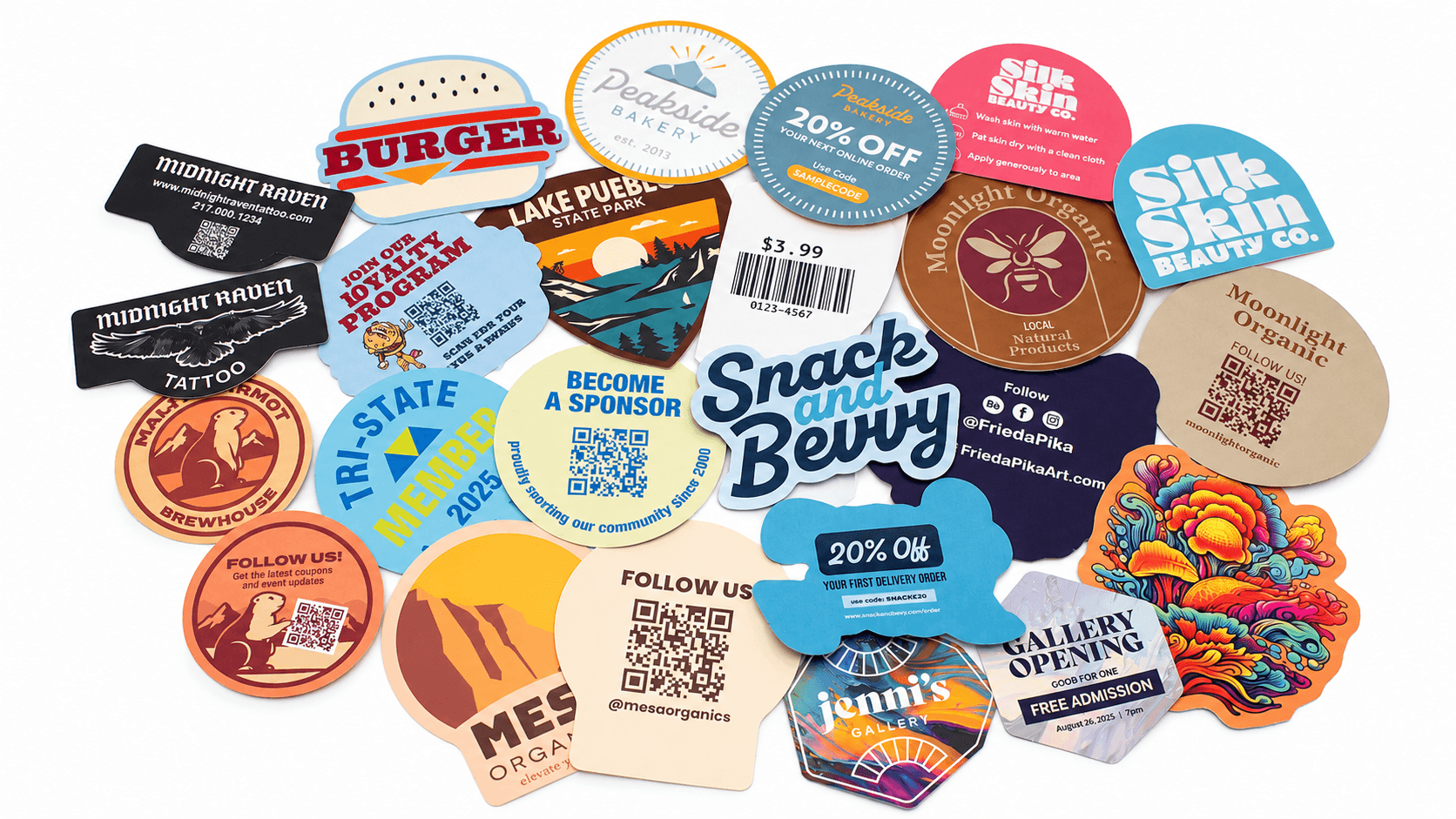
Backprinted Stickers let you add custom printing to the backing of your sticker, giving you extra space for branding, promotions, instructions, QR codes, and other useful information.
Instead of crowding the front of your sticker with extra messaging, Backprinted Stickers give you extra space on the backing for everything from discount codes and social media links to product instructions and thank-you messages.
Here are 10 creative and practical ways to use Backprinted Stickers for marketing, packaging, events, and customer engagement.
1. Add a QR Code to Your Backprinted Stickers
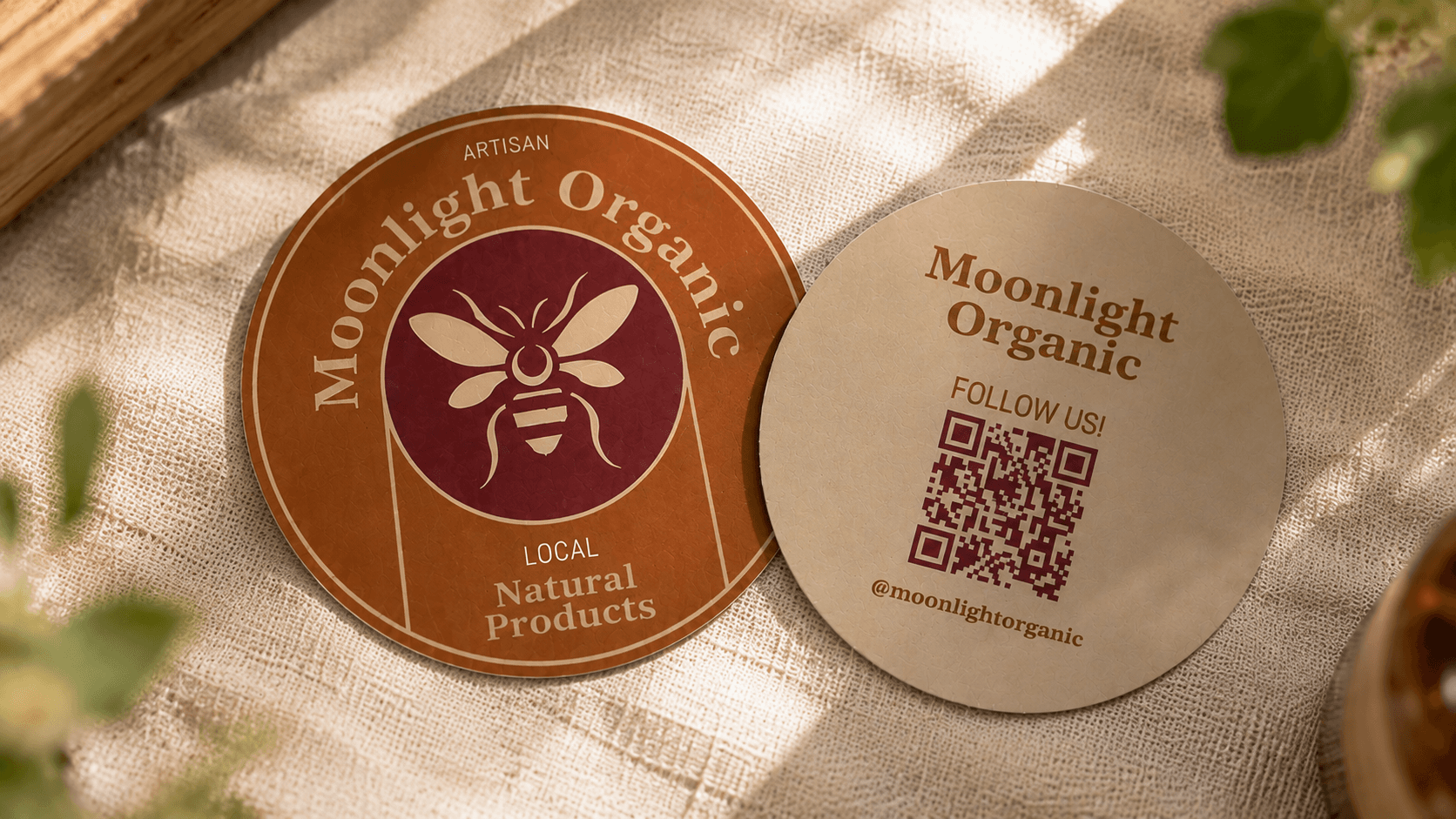
A QR code can connect your physical sticker to digital content. Use the back of your sticker to direct customers to:
Your website
A product page
An event page
A menu
A video
Your social media accounts
A sign-up form
A loyalty program
A special promotion
Printing the QR code on the backing also keeps the front of your sticker focused on your artwork, logo, or branding.
Tip: Always test your QR code before submitting your artwork for printing.
2. Print a Promo or Discount Code on the Back
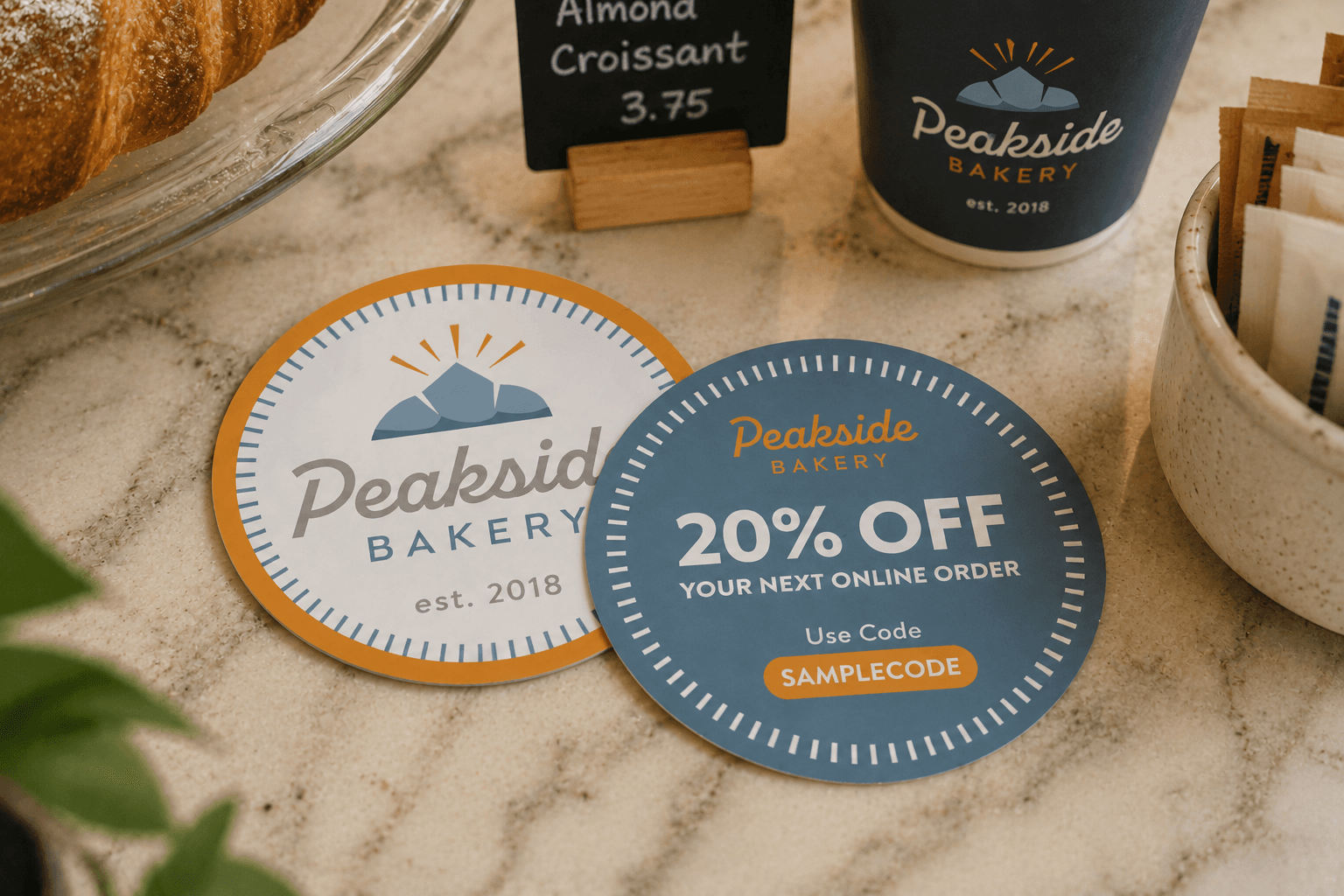
The back of your sticker is a convenient place to encourage a future purchase.
Add a discount code, free-shipping offer, loyalty incentive, or limited-time promotion customers can use on their next order.
For example: THANKS10 — Get 10% off your next order
Promo codes on sticker backing can work especially well for ecommerce orders, retail packaging, event giveaways, subscription boxes, and customer thank-you packages.
3. Share Your Social Media Handles
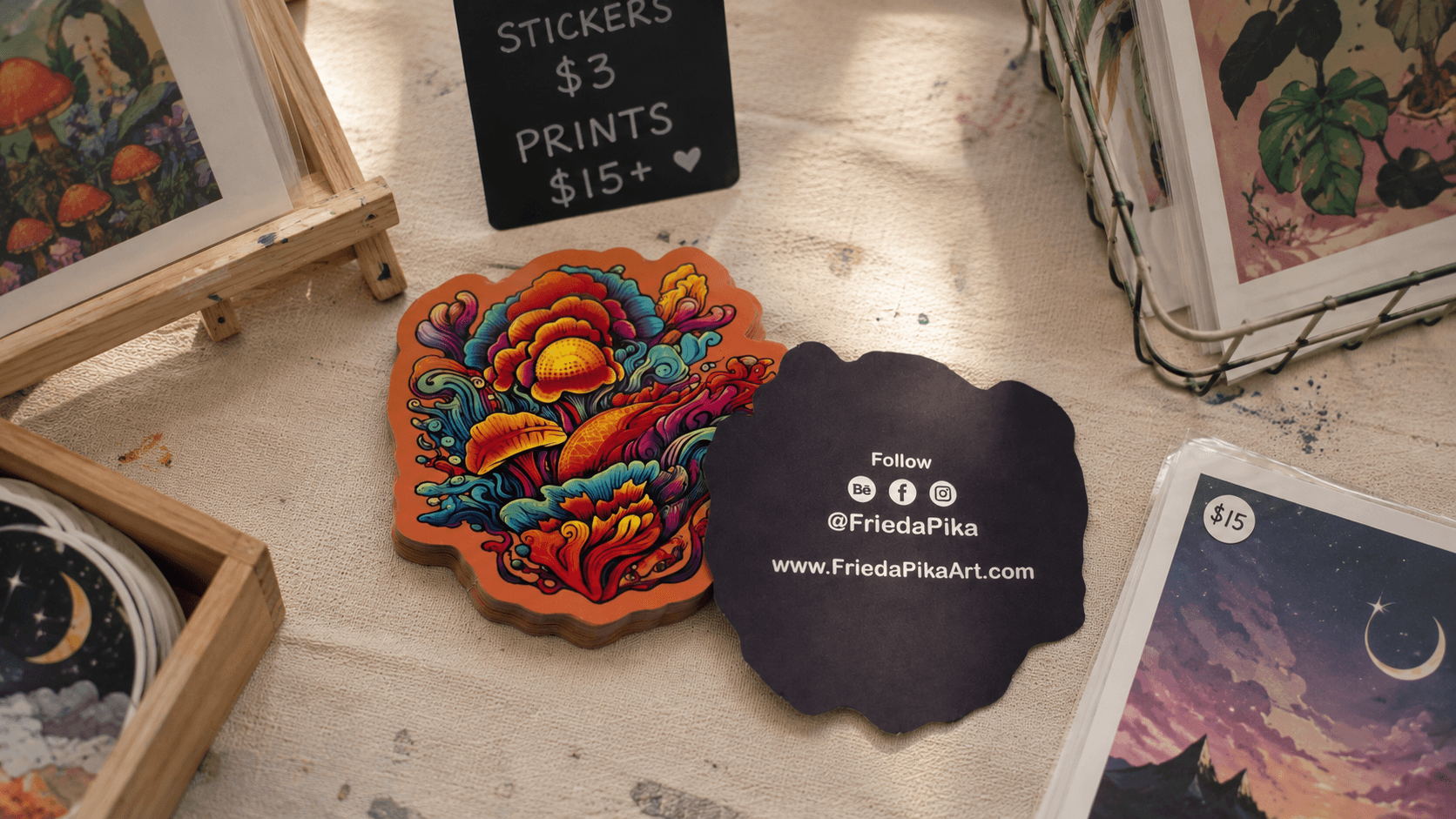
If customers like your sticker, make it easy for them to find and follow your brand online.
Print your Instagram, TikTok, YouTube, Facebook, or other social media handles on the sticker backing.
You can also add a simple call to action, such as: Tag us when you use your sticker: @yourbrand
This gives customers another way to engage with your brand without adding extra information to the front design.
4. Add Product Instructions
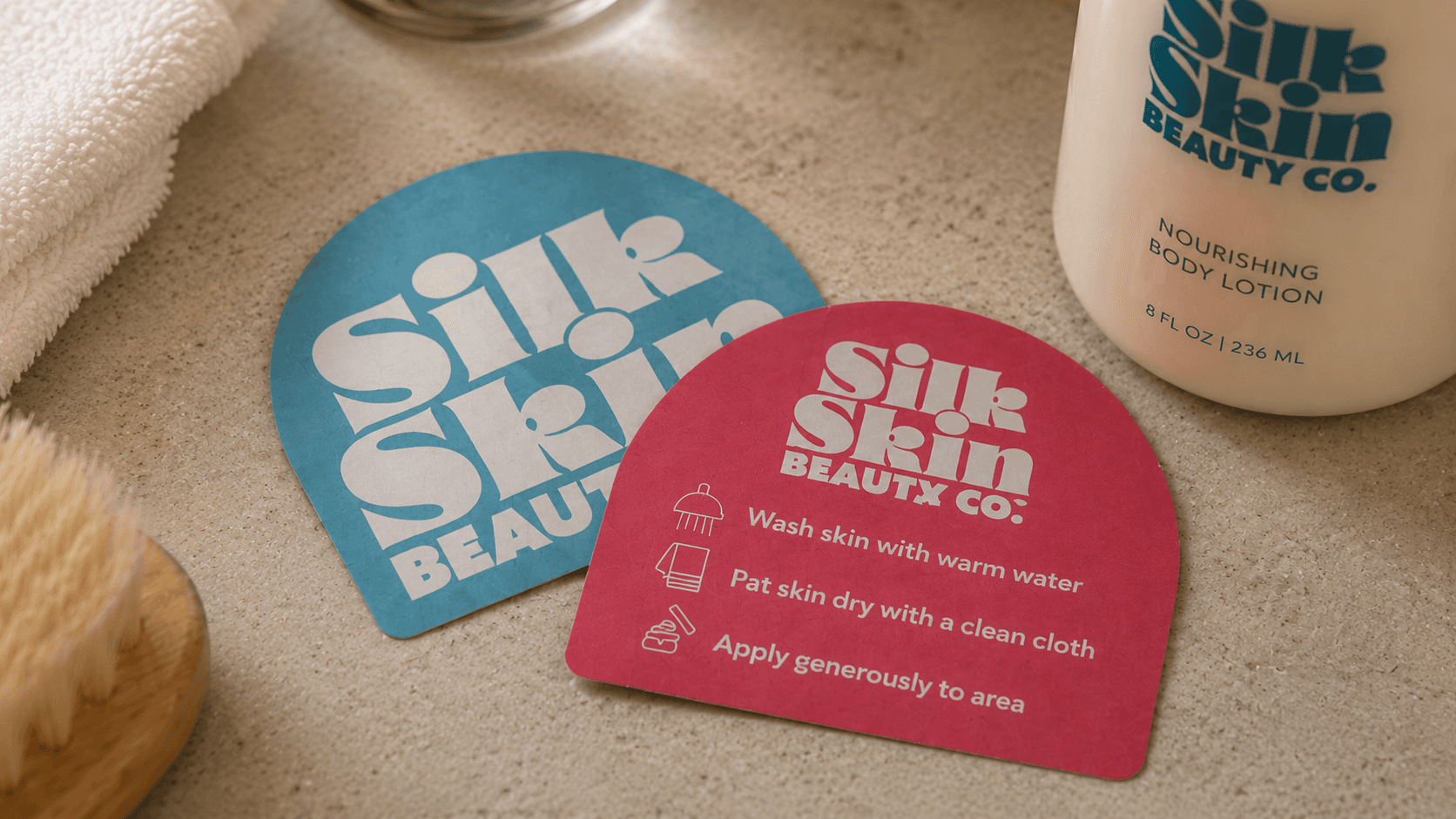
Use the back of your sticker to give customers helpful information about how to use, prepare, assemble, or get the most out of your product.
Depending on your product, you could include:
Simple how-to instructions
Assembly or setup steps
Preparation directions
Usage tips
Storage information
A QR code linking to detailed instructions or a video
Printing product instructions on the sticker backing can be especially useful for products, kits, samples, and promotional items where you want to provide helpful information without adding another printed insert to the packaging.
5. Print Your Website or Contact Information
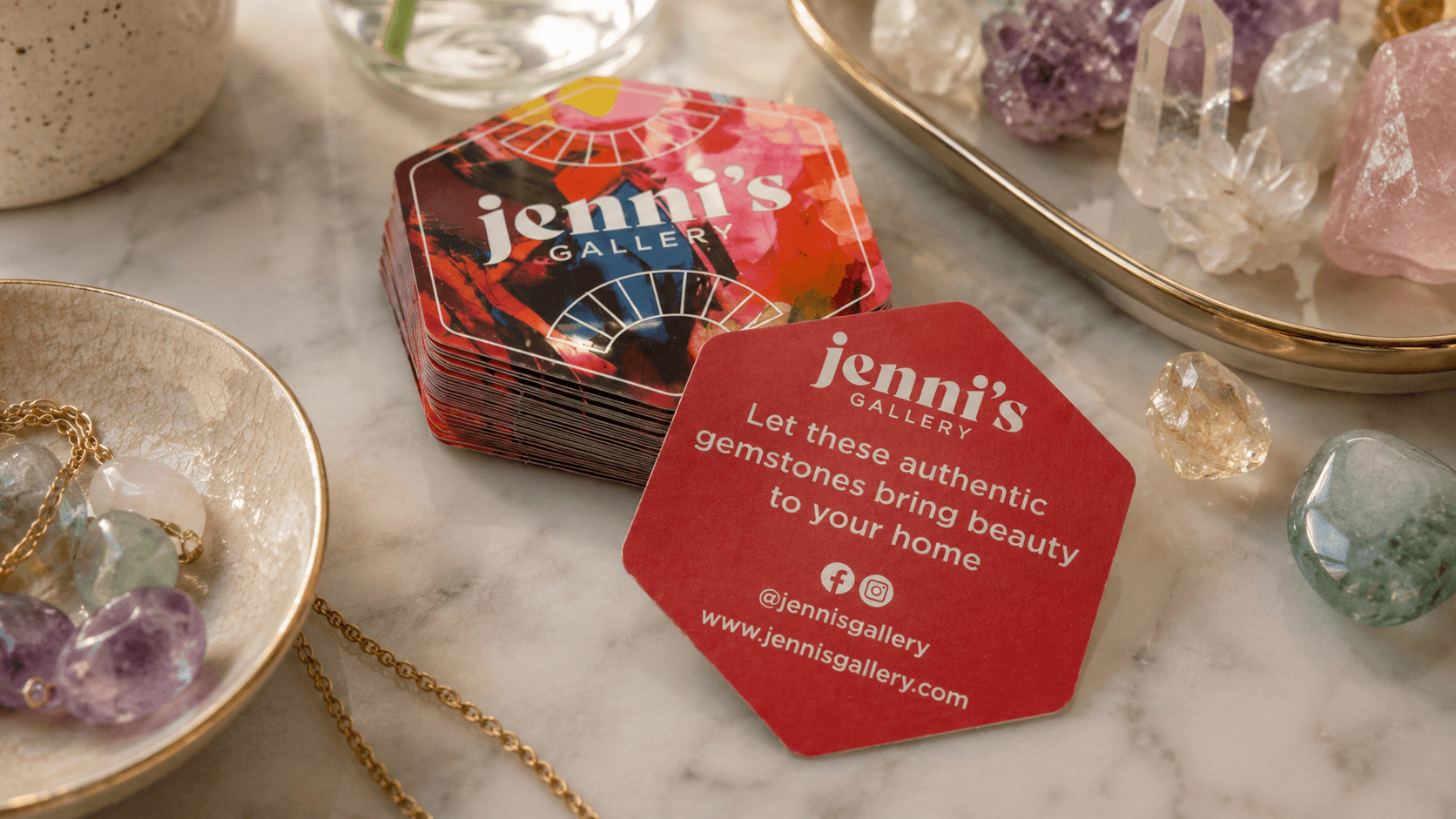
Turn your sticker backing into an extra place to share important business information.
You can include:
Your website
Email address
Phone number
Social media handles
Store location
This can be especially useful for small businesses, artists, makers, contractors, creators, local organizations, and event vendors.
Even after customers apply the sticker, they can keep the backing to reference your business information later.
6. Use Backprinting to Tell Your Brand Story
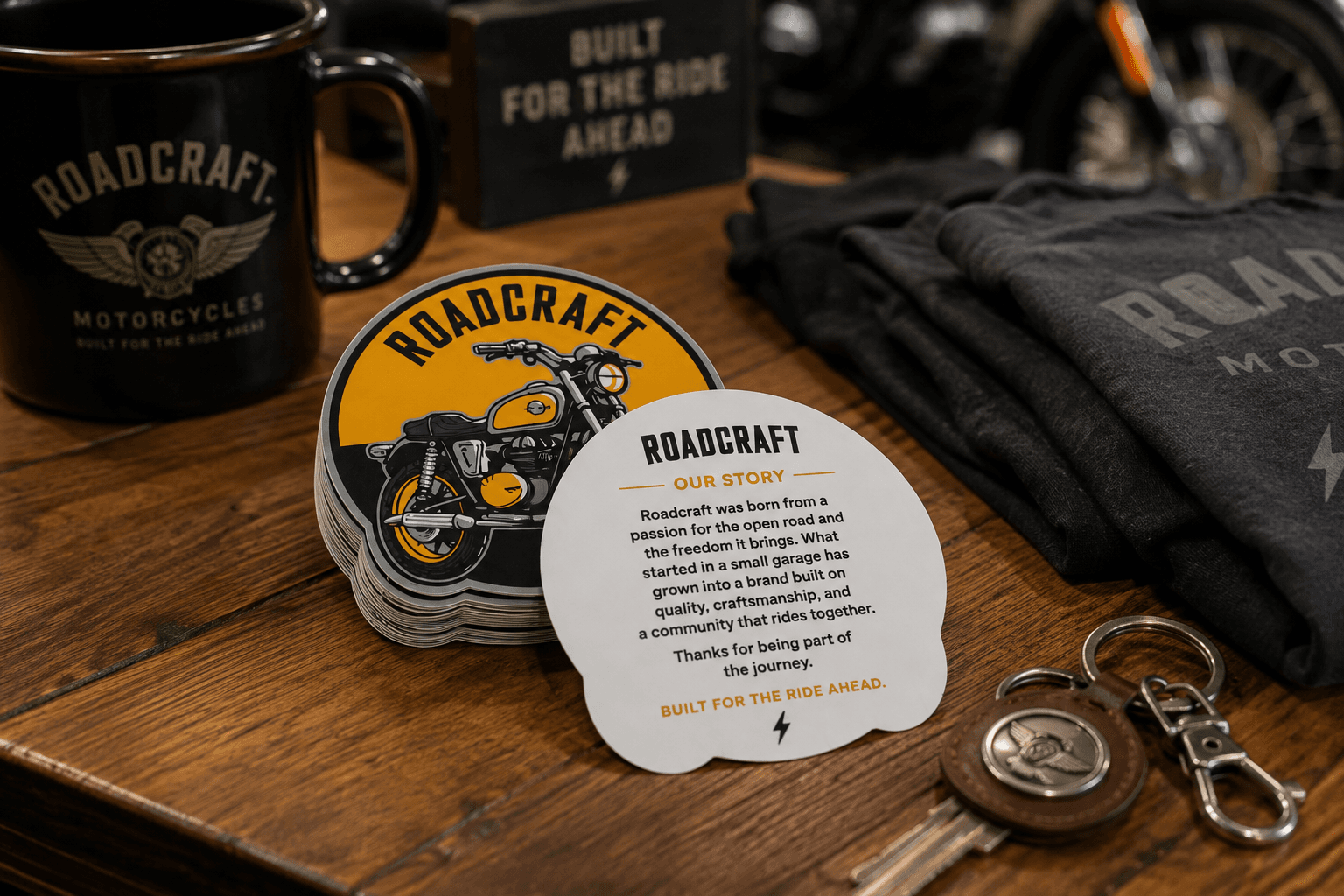
The front of a sticker usually does not leave much room for storytelling.
Backprinting gives you more space to explain who you are, what your business makes, or what your brand stands for.
You could include a short brand story, mission statement, product origin story, or message about your community.
Keeping the message short and conversational can make a simple sticker feel more thoughtful and memorable.
7. Add a Thank-You Message
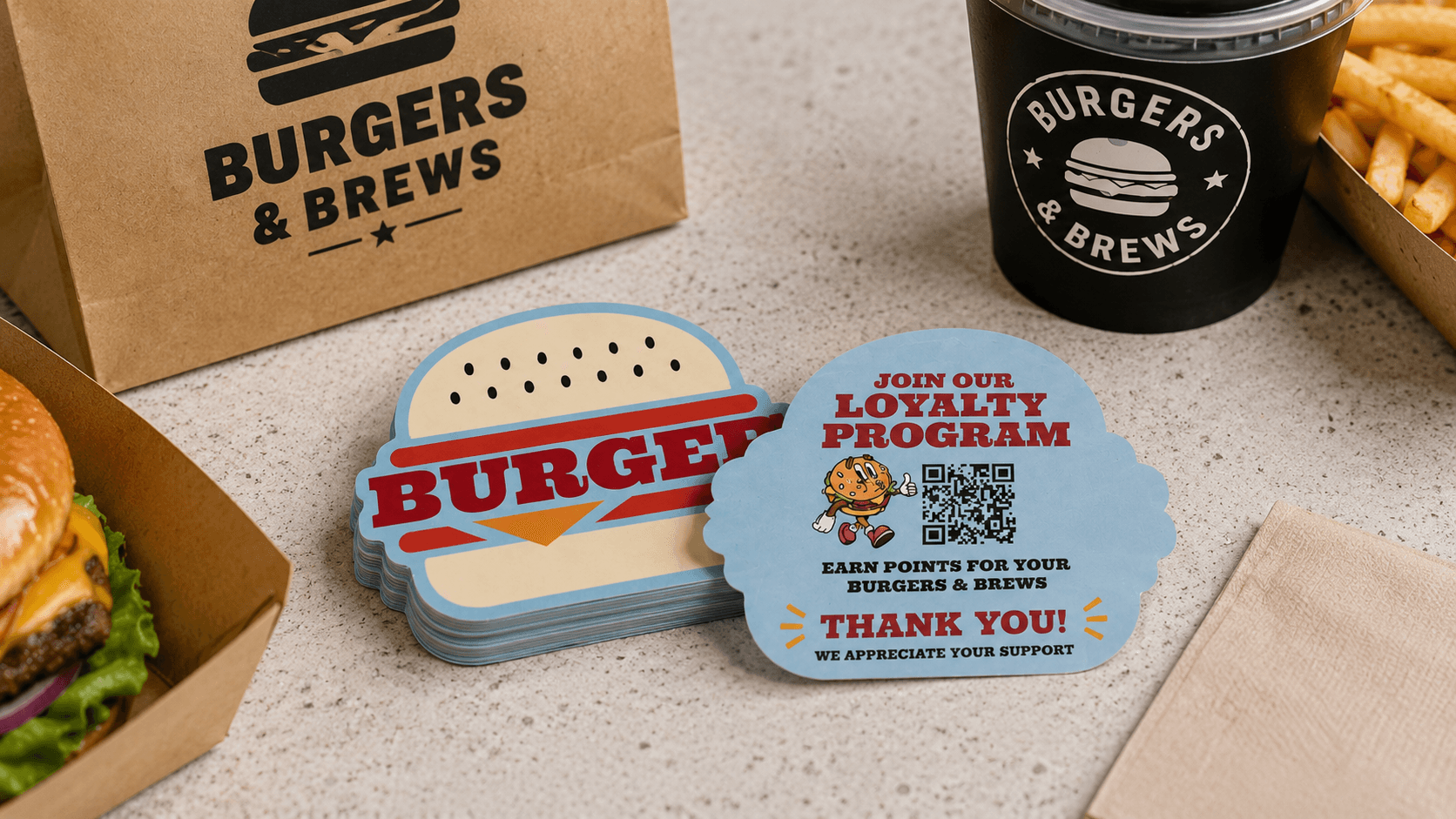
A thank-you message can add a personal touch to an order, giveaway, or customer experience.
Try messaging such as:
Thanks for supporting our small business. OR Thanks for being part of our community.
Thank-you messages work especially well for stickers included in ecommerce orders, subscription boxes, merchandise packages, customer gifts, and event giveaways.
8. Share Event Information
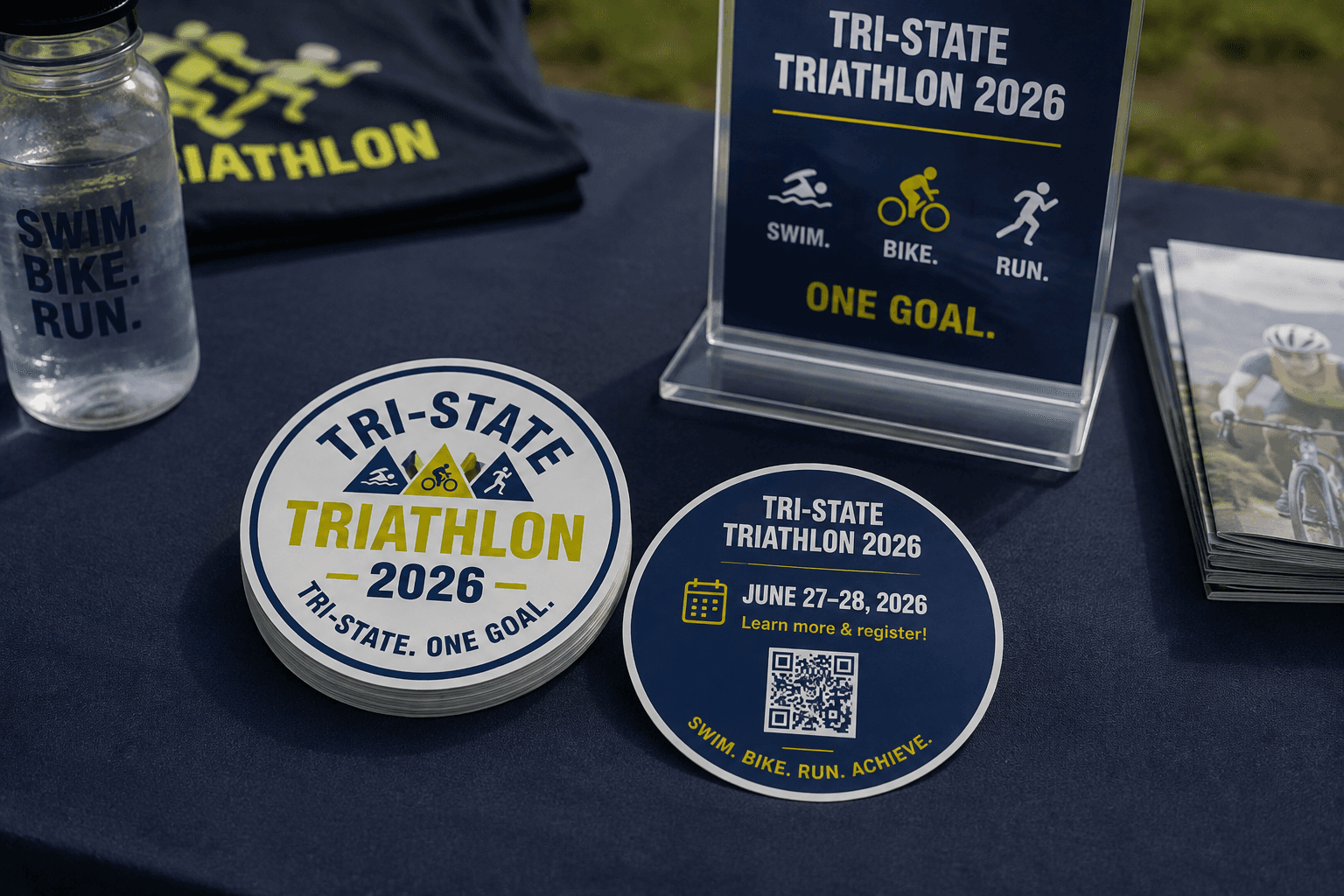
Use the back of your sticker to share useful information about an event, conference, festival, fundraiser, or promotion.
You could include:
Event dates and times
Location information
Booth or vendor details
Registration information
Event hashtags or social media handles
A QR code linking to an event page or schedule
For stickers handed out at events or included in promotional materials, backprinting gives you space to share important details while keeping the sticker itself focused on your brand or artwork.
9. Print UPC Codes, Barcodes, or Other Scannable Information
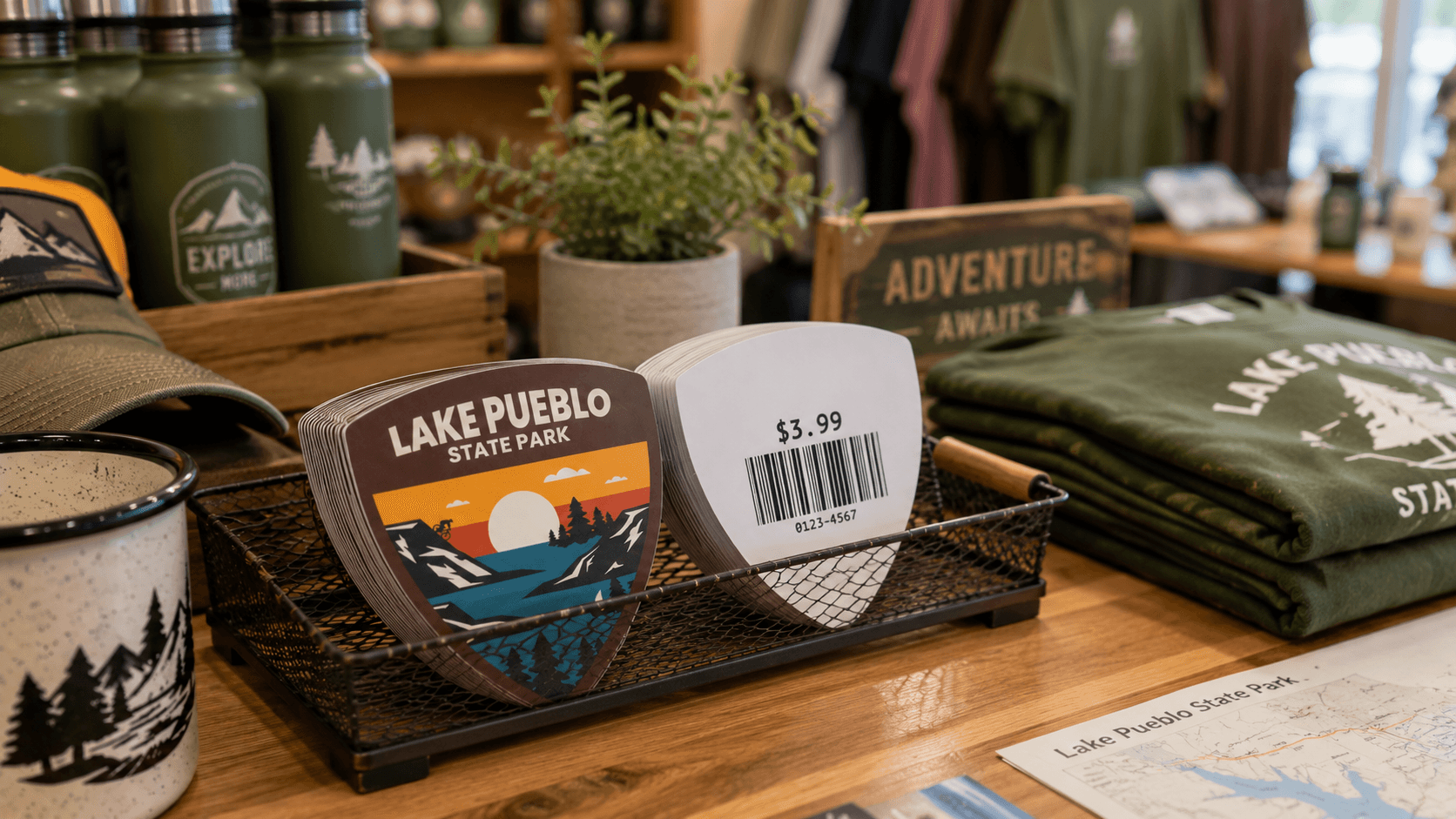
Businesses can also use the back of a sticker for UPC codes, barcodes, inventory information, or other scannable identifiers.
Printing this information directly on the sticker backing can reduce the need to apply a separate barcode label to each individual sticker.
As with QR codes, make sure any UPC code or barcode is tested before submitting your artwork.
10. Create a Surprise or Limited-Edition Message
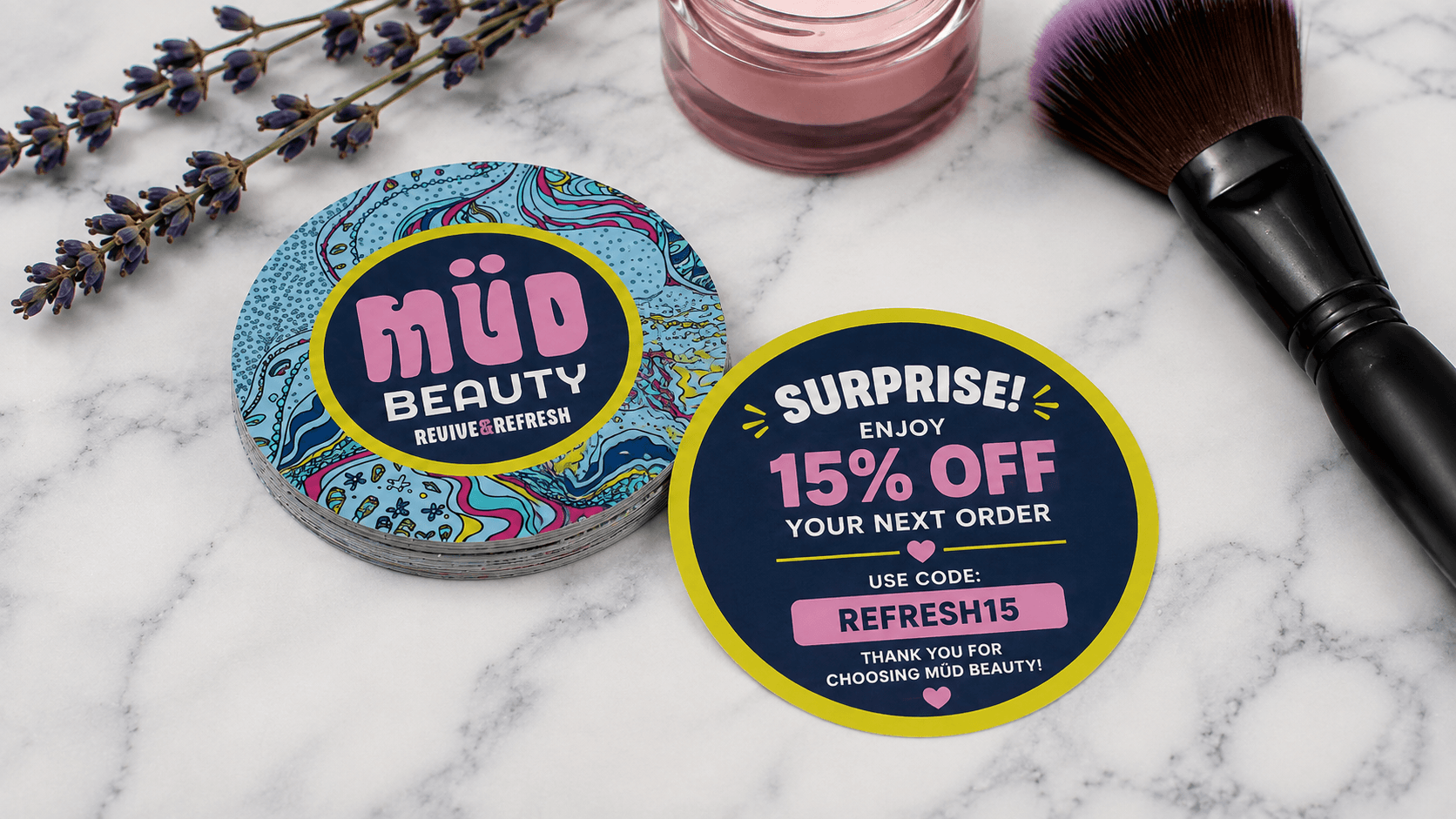
Backprinting does not always have to be practical.
Use the backing for something unexpected that makes the sticker more memorable.
Ideas include:
A joke
A hidden illustration
A fun fact
A collectible message
A contest
An event-specific message
A limited-edition design
A holiday greeting
A surprise discount code
Because customers discover the message when they turn over or peel the sticker, the backing can become part of the overall experience.
Why Print on the Back of a Sticker?
Printing on the back of a sticker gives you additional space without making the front design feel crowded.
Instead of trying to fit your logo, artwork, website, promotion, QR code, instructions, and contact information into one design, you can keep the front simple and use the backing for supporting information.
Backprinted Stickers are especially useful for:
Branding and promotions
Product packaging
Ecommerce orders
Events and giveaways
Merchandise
Customer thank-you packages
Loyalty programs
Limited-time campaigns
StickerGiant Backprinted Stickers are printed on durable white BOPP material and support full-color printing on both the sticker and backing.
Ready to Use Both Sides of Your Sticker?
Make your sticker backing part of the customer experience. With Backprinted Stickers, you can keep your main design front and center while using the back for messaging, promotions, instructions, QR codes, and more.
Ready to get started? Create your custom Backprinted Stickers and put both sides to work.
Need help preparing your artwork? Learn how to set up and submit your files for Backprinted Stickers, including file requirements, artwork setup, and backing options.