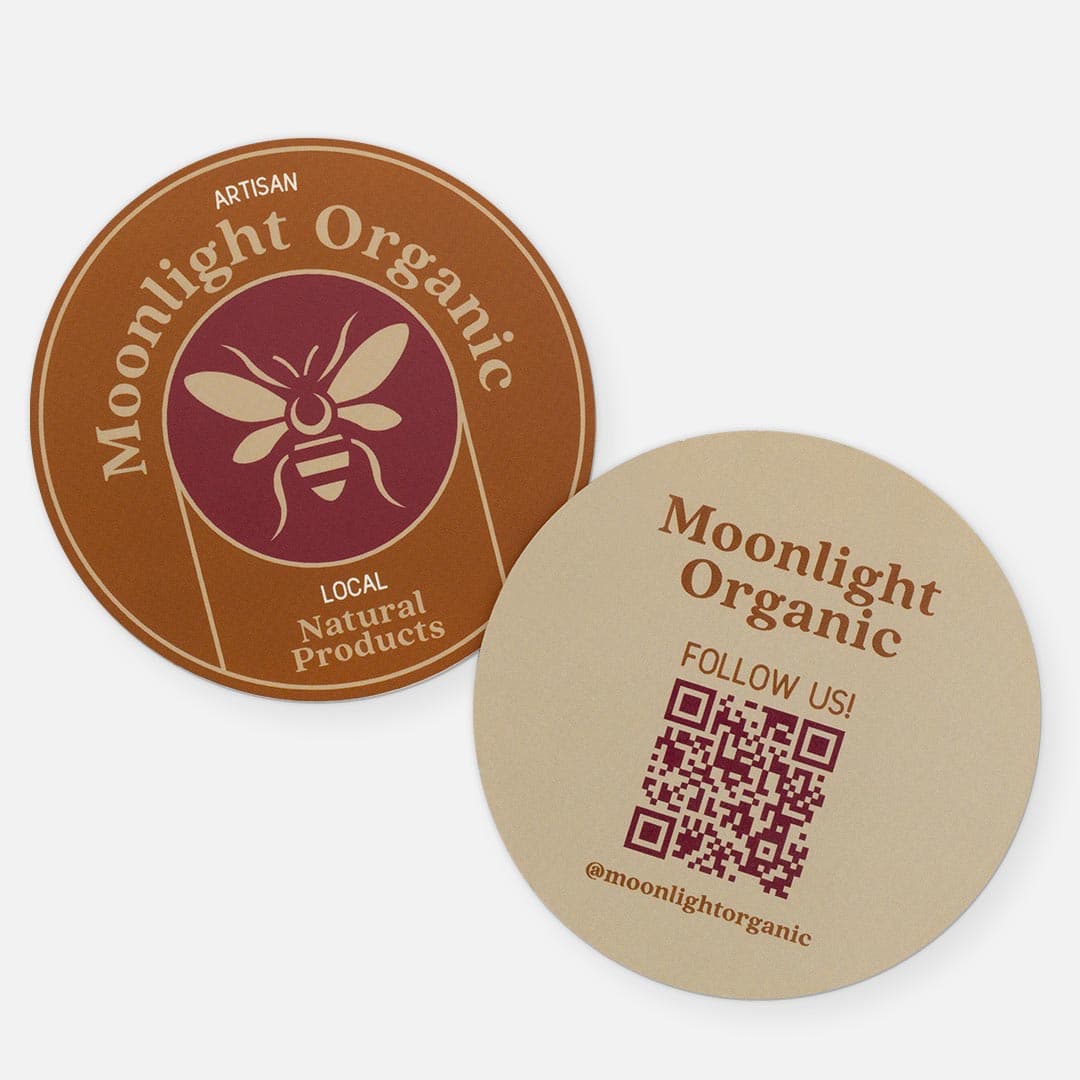
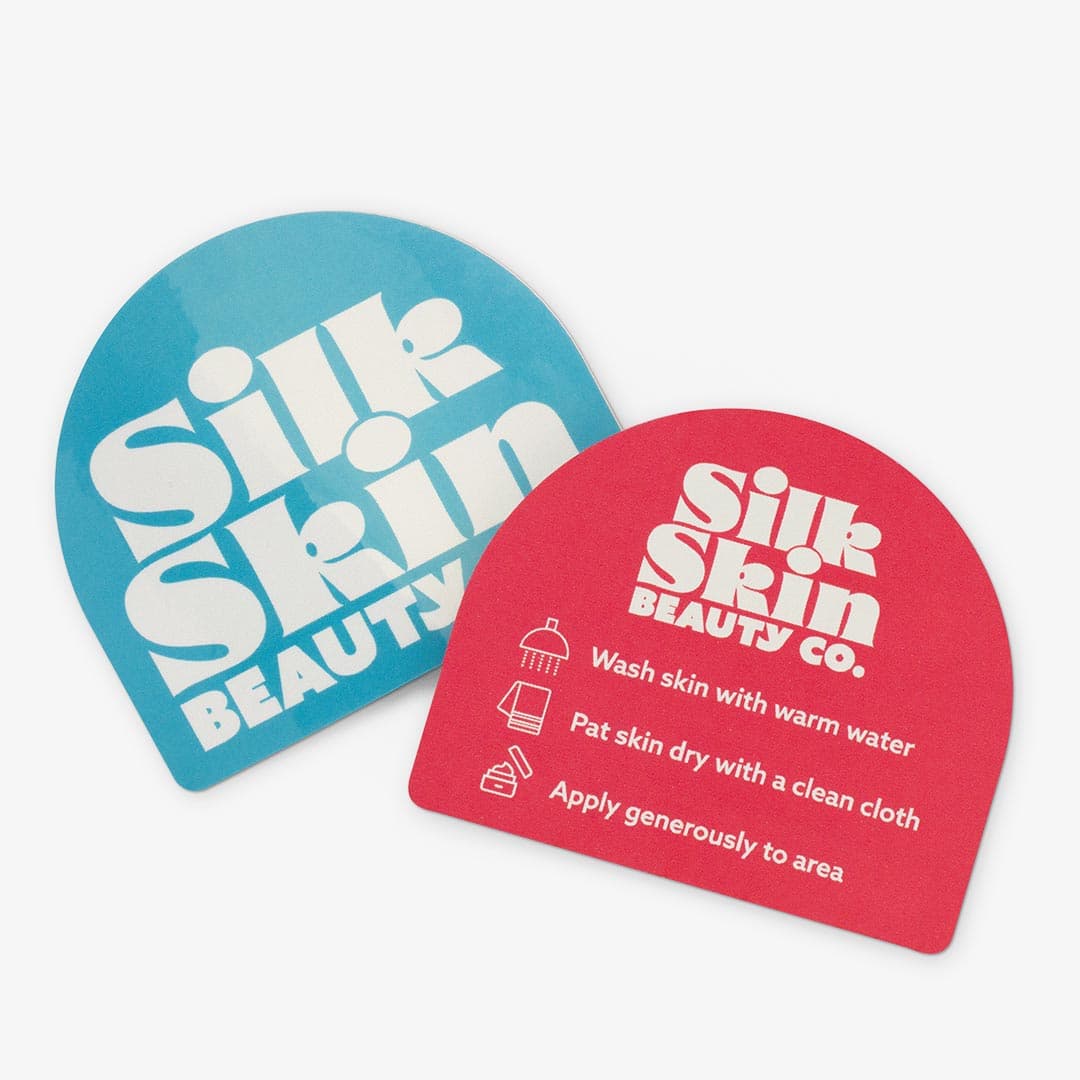
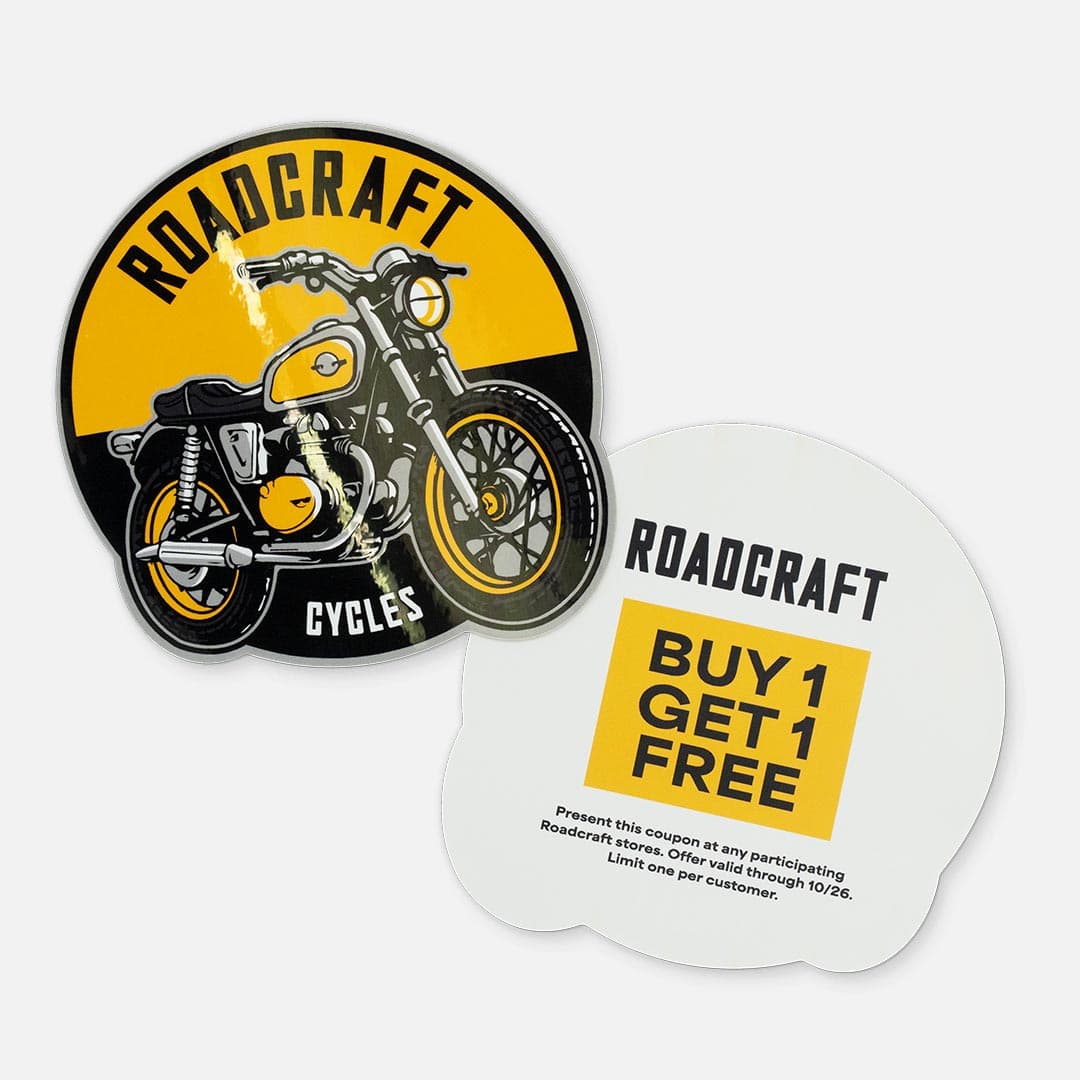
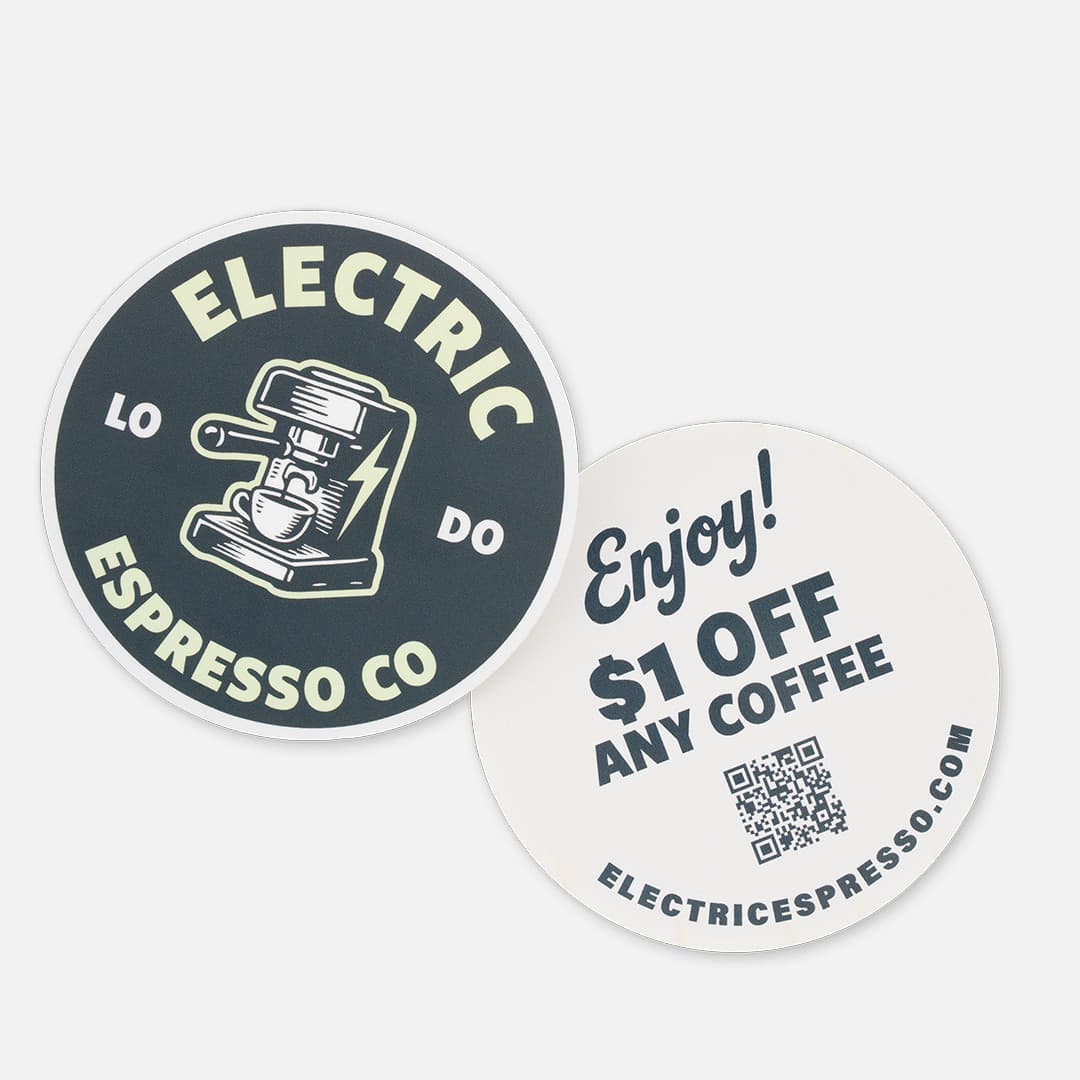
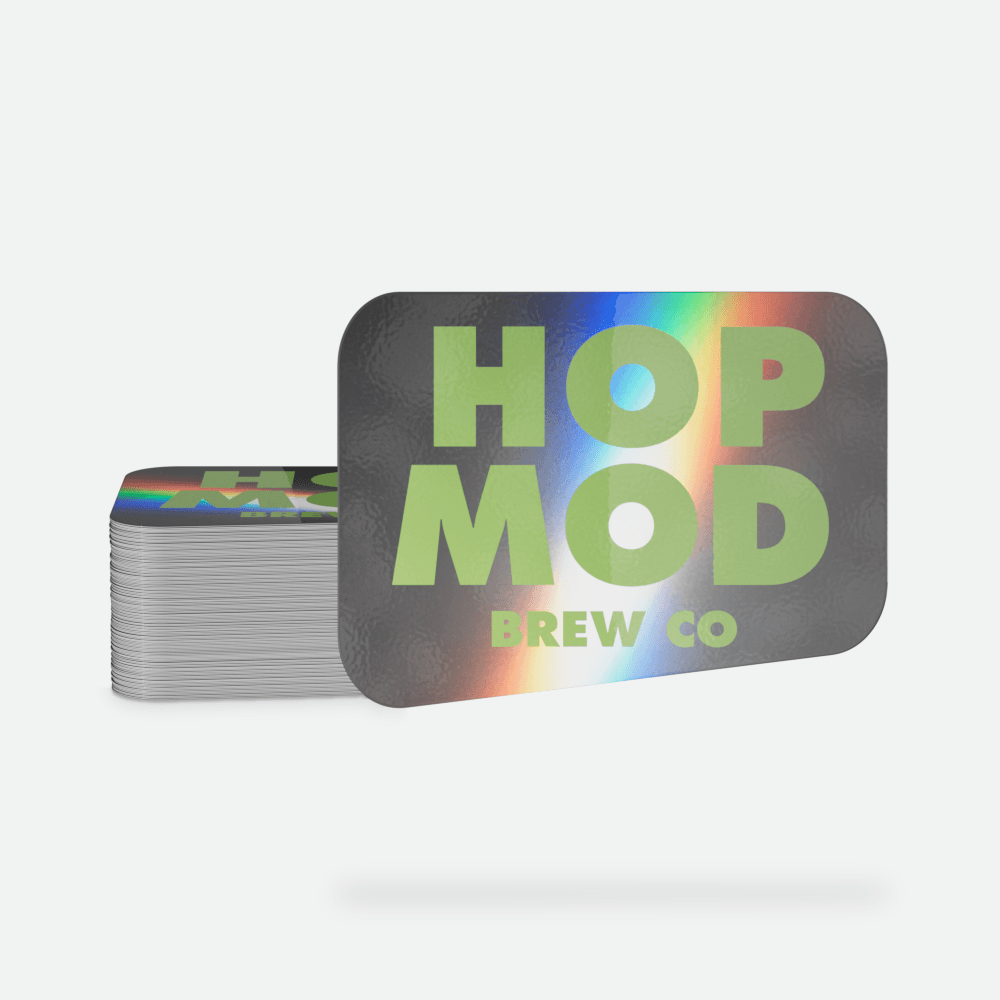
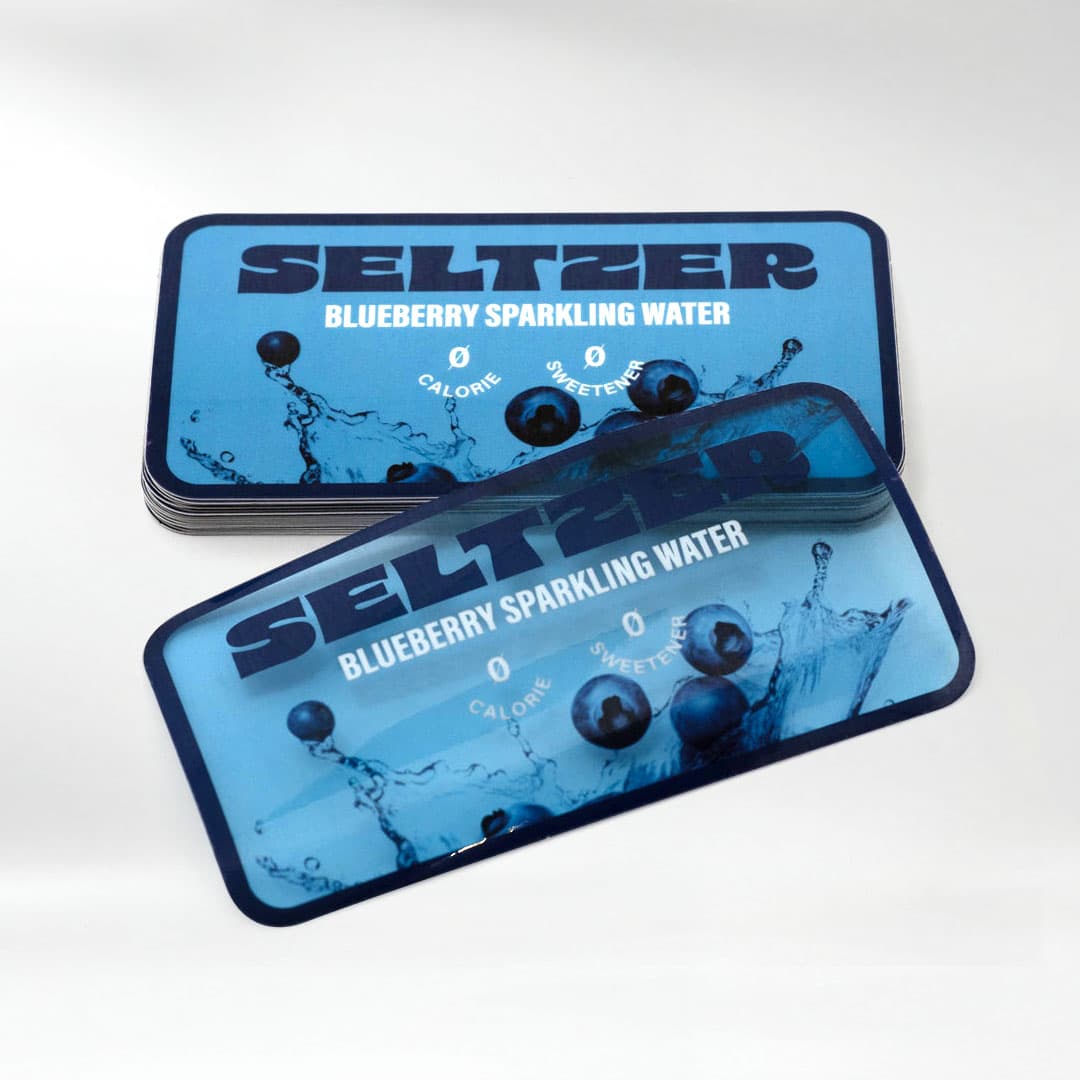
We recommend combining your front and back designs into a single file. If you're unable to do that, no worries—upload your front design as usual, and our Customer Service team will reach out during proofing to help finalize your backprint setup.
To ensure your stickers print perfectly with backprinting, follow these essential setup tips:
Artwork File Specifications:
- Resolution: Minimum of 300 DPI (at your requested size) for crisp, high-quality prints.
- Color Mode: Set your file to CMYK (not RGB), with Pantone colors converted to CMYK, as this will give you the most accurate color results.
- File Formats Accepted: PDF, AI, PSD, JPEG, PNG, TIFF, or EPS.
- Preferred Files: Vector artwork (PDF, AI) or high-resolution raster images (300 DPI).
Backprinting Size & Material Requirements
- Smallest Size: 2” x 2” (required for readability)
- Largest Size: 11” x 14”
- Back printing is available on White BOPP Die-Cut Stickers only
Important Tips for Backprinting Success
- Backprinting is applied only to the liner and does not affect sticker adhesion or performance
- Keep important design elements at least 1/8” from the edge
- Use high-contrast colors and fonts 6 pt or larger for best readability
- Do not flip or mirror your back print artwork—we’ll print it as uploaded
- White ink is not printed on the liner; transparent areas will show the natural liner color
- For QR codes and barcodes, always place them on a solid background for reliable scanning
Need more assistance? Check out our artwork setup guidelines.


Why 300 DPI Matters?
Artwork resolution plays a crucial role in print quality. Here's why 300 DPI is the standard for printing:
- Sharp, Detailed Prints: High DPI ensures your design looks clean and professional without pixelation.
- Accurate Colors: More pixels result in more precise color representation.
- Professional Quality: Avoid blurry, distorted prints that may harm your brand’s image.
- Customize Your Sticker: Pick your sticker type (individual or sheet), glossy or matte lamination (if required), shape, size, and quantity.
- Backprinting is available on White Die-Cut Stickers only (individual and sticker sheets), for sizes 2" x 2" or larger, with a minimum order quantity of 250. This ensures clear, readable messaging and optimal print quality.
- Upload Your Artwork: Upload your design file right away—or upload it after checkout.
- We recommend combining your front and back designs into a single file. If you're unable to do that, no worries—upload your front design as usual, and our Customer Service team will reach out during proofing to help finalize your back print setup.
- Accepted formats: AI, EPS, PDF, PNG, PSD, TIF, TIFF, JPEG, JPG. View artwork setup guide.
- Pro Tip: Use the Special Instructions box to share any design notes you'd like reflected in your proof. What to include.
- Place Your Order: Head to checkout to finish your order.
- Want to save designs and reorder faster? Create an account at checkout.
- Pro Tip: Sign up for our emails to get 20% off your first order. And check our coupons page for the latest deals.
- Review & Approve Your Proof: We’ll email a free digital proof showing both sides of your design. Approve it or request edits—we don’t print until you say go. See what’s included in your proof.
- Print & Ship: Once you approve your proof, we get to work. Your Custom Backprinted Stickers will be printed and on their way before you know it. Please allow 7-10 business days for production after proof approval due to high demand.
Need help? Our real human support team is ready to assist or visit the Help Center.
Turn the back of your sticker into bonus real estate
Backprinting is a clever way to add value without taking up extra space. Ideal for:
- Promo Codes & Special Offers: Delight your customers with exclusive deals they didn’t expect.
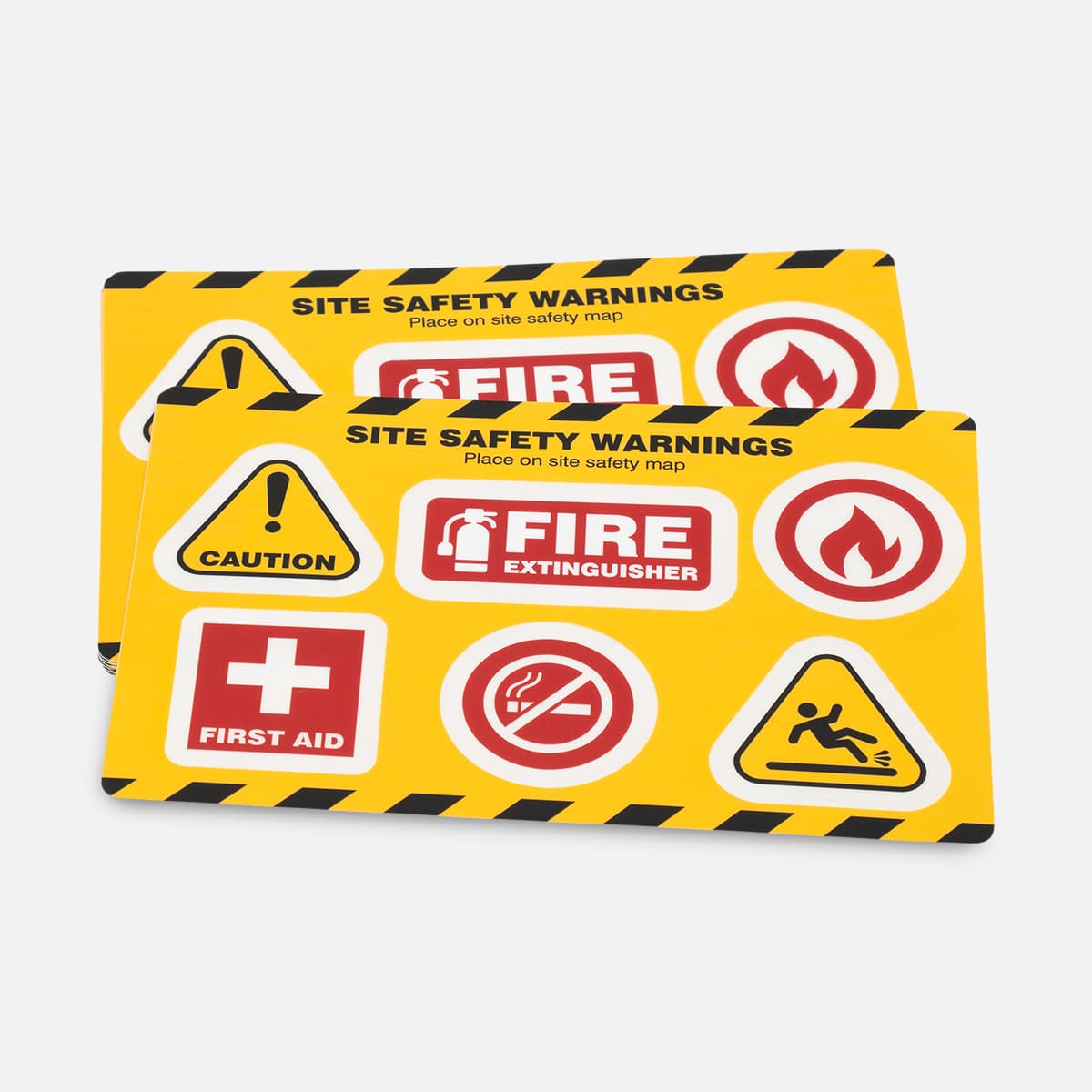
- Instructions & Care Info: Provide helpful guidance—without crowding your main design.
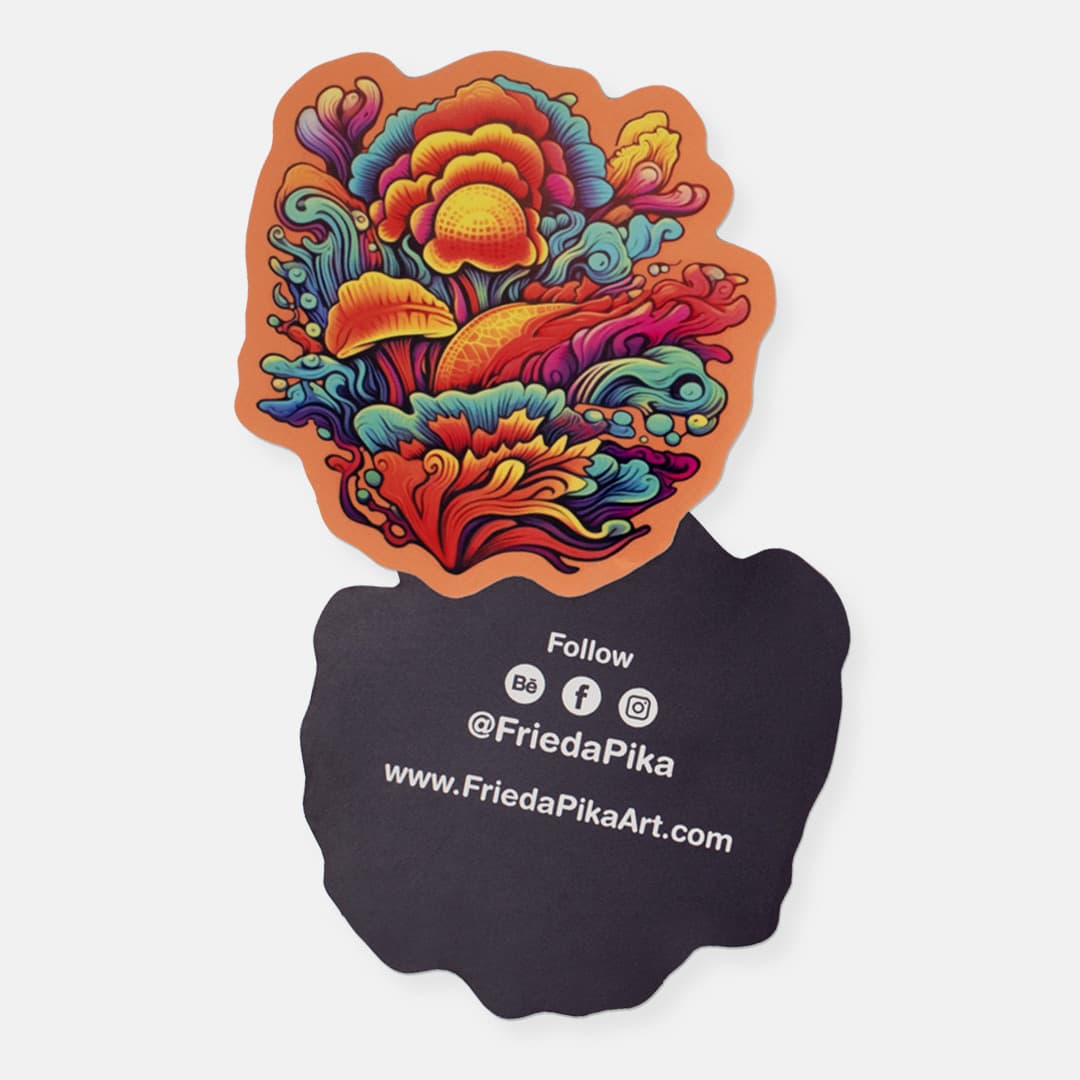
- Branded Hashtags & Social Handles: Encourage engagement and grow your community with every sticker.
- Event Stickers: Add booth numbers, schedules, or call to actions directly to the liner.
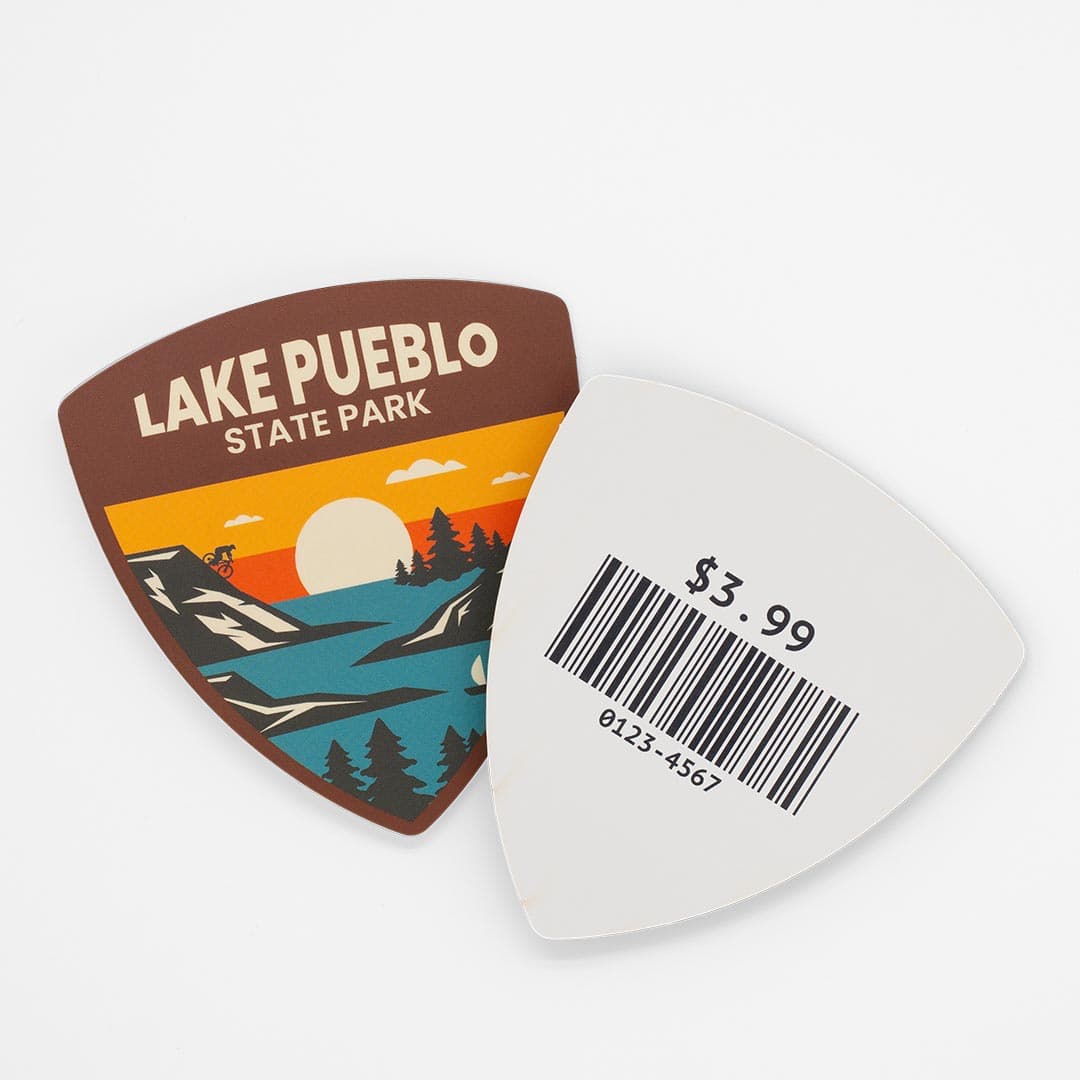
- Retail Use: Skip the extra barcode label—print UPCs and SKU info on the back instead.
- QR Codes & URLs: Connect to videos, landing pages, or your website in one easy scan.
- Product Inserts, Without the Insert: Save materials and add messaging right on the sticker liner.
This subtle but impactful space is perfect for reinforcing your brand, driving action, and creating a memorable unboxing experience.


When it comes to ordering Custom Stickers, one of the most important decisions you can make is figuring out the best size for your design. Choose a size that is too small, and your design may get lost in the shuffle. Select a size that is too large, and it may fail to impress your fans or potential customers.
Here are a few size comparisons to things we see all the time.
- 2 inch (Oreo-sized): Ideal for laptops, bottles, and packaging
- 2 x 3.5 inch (business card size): Perfect for promos, events, and handouts
Frequently Asked Questions
What is Backprinting?
Backprinting refers to printing on the adhesive side of your sticker—or directly on the liner (the backing paper). This lets you add messaging, branding, or functional content that’s visible before application.
Which products support Backprinting?
Backprinting is currently available on White BOPP stickers sized 2" x 2" or larger, finished as individual stickers or on sticker sheets.
Roll formats (including perforated rolls) and other materials like clear, glitter, glow in the dark and holographic are not available at this time.
How do I submit artwork for Backprinting?
We recommend combining your front and back designs into a single file. If you're unable to do that, no worries—upload your front design as usual, and our Customer Service team will reach out during proofing to help finalize your Backprint setup.
Will I see a proof before my stickers are printed?
Yes. Every order with Backprinting includes a free digital proof showing both sides, plus size and cut lines. You’ll receive it within 1–2 business days after artwork upload, and nothing gets printed until you approve it.
Can the Back-Printed liner be written on?
Yes—permanent markers like Sharpies work best. Ballpoint pens may smudge slightly, and highlighters tend to smear, so test before using.
Can I request a peel aid?
Yes, and we recommend it! Without a peel aid (like a carrier sheet or tab), stickers can be tricky to peel. If you need help deciding what peel aid is best, just ask—we’re happy to walk you through the options. Here’s why peel aids aren’t included.
Is there a minimum order quantity for Backprinting?
Yes, Backprinting requires a minimum order of 250 stickers.
Can I request specific placement for the back design?
While we do our best to honor placement preferences, Backprint alignment on the liner or adhesive side may vary slightly. If you have specific requests, please include them in the Special Instructions, and we’ll do our best to accommodate.
What are common uses for Backprinting?
Backprinting is perfect for adding extra value to your stickers — from QR codes, pricing, and barcodes to instructions, branding, and promotions.
Does Backprinting affect the durability or finish of my sticker?
Not at all. Stickers with Backprinting are just as durable as our standard White BOPP stickers. They're water-resistant, UV-resistant, scratch-resistant, and oil-resistant—so your design stays vibrant through everyday use.
Do White BOPP stickers with Backprinting have a split back liner?
No. Like Sticker Sheets, these do not have a split back. Split liners can interfere with the Backprint and risk damaging the design.
Can I add different artwork to the back of my sticker?
Yes! Your back design can be completely different from the front. Just include both in your file.
How is Backprinting orientation handled?
We orient back designs so they’re right-reading when flipped like a book—meaning the top of the front and back align. If you need a specific orientation, just let us know in the Special Instructions.
What does “Next Day Air” shipping mean?
Next Day Air speeds up shipping time, not production time. That means your custom order will still take 2–5 business days to print after proof approval. Once it ships, it should arrive the next business day via UPS or FedEx. Be sure to factor in both production and shipping time when planning your delivery date.
How do I check my order status?
Easy! Just go to our Order Status Page, enter your Order # or Item #, and you’ll see where your order is in the process—from proofing to shipping. If any action is needed from you, like proof approval, we’ll reach out with clear next steps.