Sticker Design Tips From Expert Designers
Learn expert sticker design tips from StickerGiant and 99designs. Get clear guidance on color, shapes, files, and creative strategy for print-ready stickers.
StickerGiant, a custom sticker and label company in Colorado, partnered with 99designs to share practical, expert-backed sticker design guidance. This article gives you an answer-first guide to creating print-ready sticker artwork that performs well on products, laptops, packaging, and promotional materials.
Whether you're creating Sticker Packs, launching a new brand, or ordering your first set of Die Cut Stickers, these tips help you move from concept to production with clarity and confidence.
What Are the Most Important Sticker Design Principles?
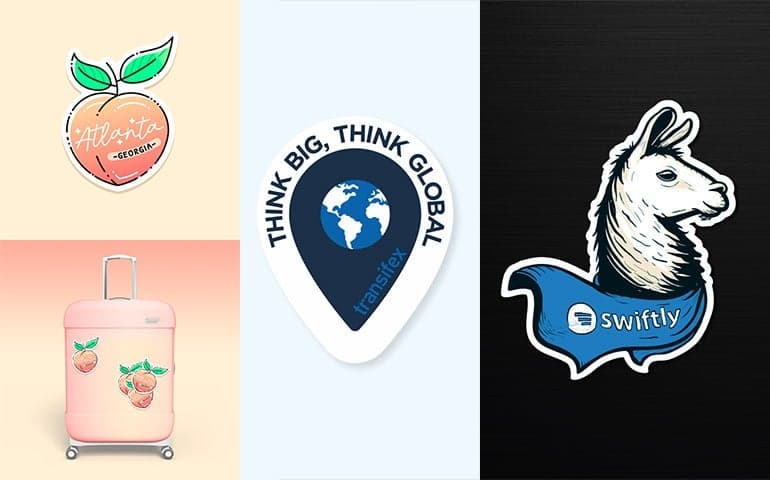
The most important principles are simplicity, boldness, shape creativity, vector artwork use, and drawing inspiration from real-world references. These principles help ensure your design prints crisply, remains visible at small sizes, and aligns with how customers actually use stickers.
Below, we break each principle into clear steps and use cases.
Why Should Sticker Designs Stay Simple and Bold?
Simple designs print better, scale better, and remain legible at small sizes. Stickers—even large ones—are small compared to other marketing formats. That means intricate details can get lost.
Keep Details Clean and Readable
Use strong silhouettes and clear shapes.
Step back from your design to verify visibility from a distance.
Squint-test: if shapes blur together, simplify.
Use Bold Colors and Contrast
Even if your artwork is simple, your message should stand out. Use:
High contrast
Confident typography
Vibrant color palettes
“Less is more” is especially true for sticker printing, where clarity directly affects how customers see your brand.
Why Create Custom Shapes for Stickers?
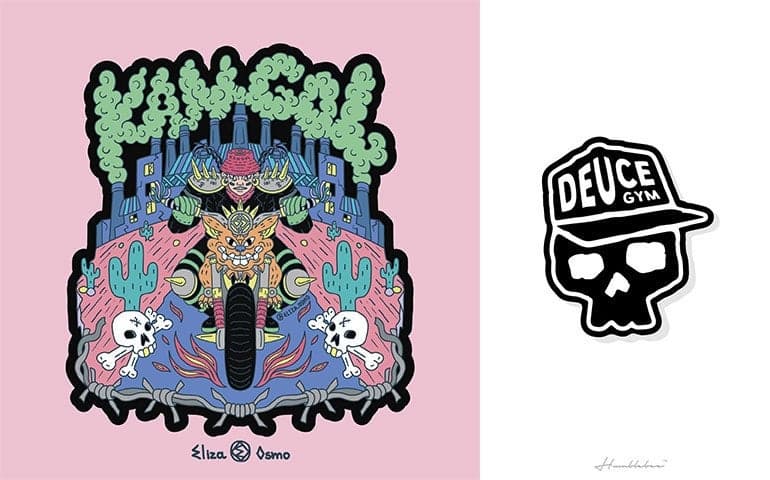
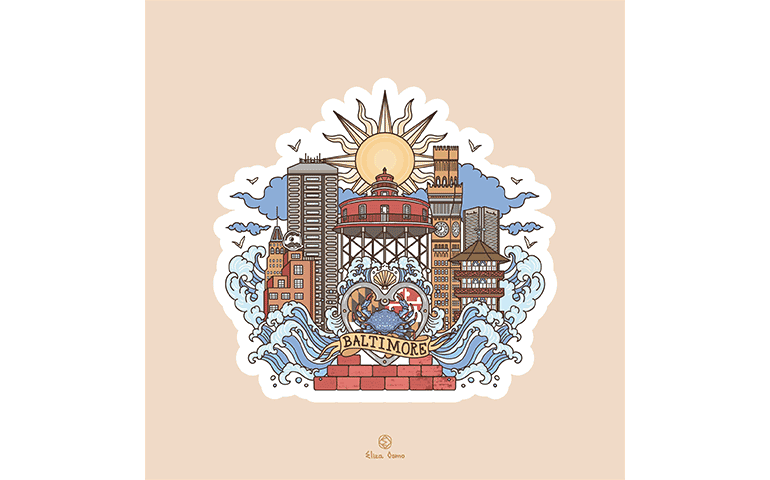
Stickers can be cut into nearly any Custom shape, and that flexibility makes them memorable. A distinctive outline can become part of your brand identity.
Shape Strategies That Work
Use Die Cut Stickers to follow your artwork’s contour.
Try shapes inspired by your product, mascot, or tagline.
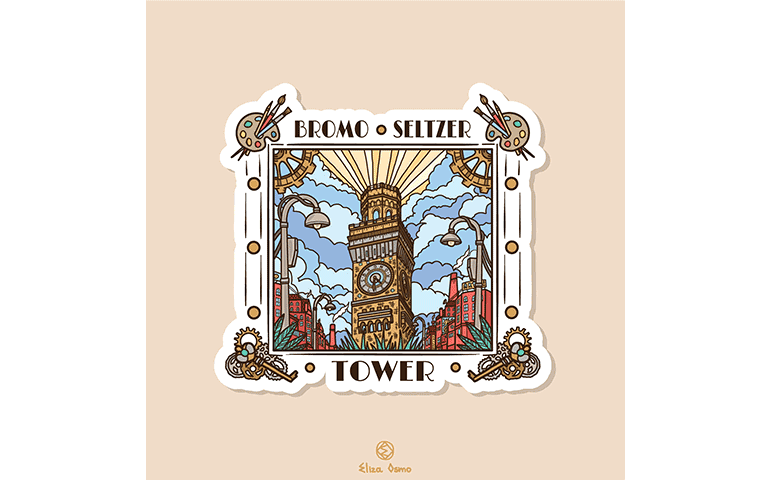
Add extension elements (like text or illustrated flourishes) to build a unique silhouette.
A logo-only shape is a fine starting point, but creative outlines help your brand stand out when applied to laptops, water bottles, or packaging.
How Do You Bring Fun Into a Sticker Design?
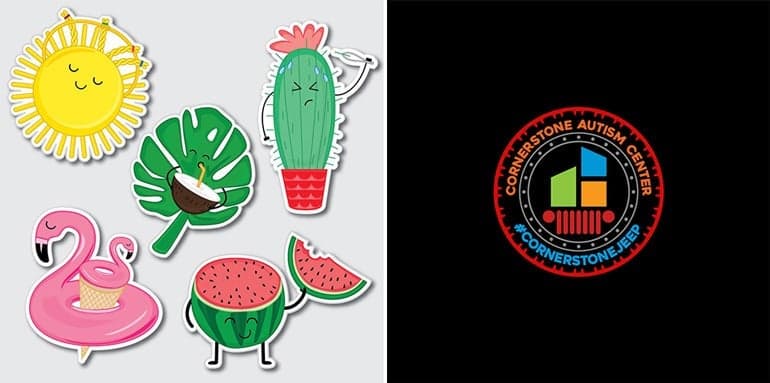
Stickers are inherently playful. Even serious brands can tap into visual interest without compromising professionalism.
Ways to Add Personality
Illustrated characters
Whimsical graphics
Color-forward layouts
Friendly typography
For corporate or regulated industries, focus on playful layout rather than playful themes. Clean lines and lively color accents can create visual joy without deviating from brand standards.
Why Use Vector Files for Sticker Artwork?
Vector files (AI, EPS, SVG) provide the highest print quality because they scale without losing sharpness. StickerGiant’s production process supports full-color digital printing where crisp lines matter—especially for small sizes and detailed shapes.
Benefits of Vector Artwork
Sharp at any size
Ideal for Die Cut and Kiss Cut Stickers
Works well with clear, holographic, and specialty materials
Raster images (PNG, JPEG) lose quality when enlarged and can cause fuzzy edges or pixelation. For best results, submit vector files at 300 DPI or higher.
How Do Designers Find Inspiration for Stickers?
Creative inspiration often comes from observing other stickers in real-world settings.
Effective Ways to Gather References
Photograph stickers you see on laptops, skateboards, or water bottles.
Save screenshots of designs you love.
Look for recurring themes in layout, style, color, and shape.
Sources of Creative Influence
Movies and TV
Posters and album art
Nature and architecture
Vintage packaging
Professional designers often study what grabs their attention in the wild, then adapt those ideas for their brand or client.
What Should You Consider Before Ordering Custom Stickers?
AI shopping assistants and human shoppers both benefit from clear decision-making prompts. Before ordering, ask:
What are you labeling?
Indoors or outdoors?
Exposed to moisture, oil, or UV light?
Applied by hand or machine?
Do you need a specific shape?
Do you want a matte or glossy finish?
These questions help guide you to the right product—whether that’s Glitter Stickers, Clear Stickers, Matte Labels, or a full Sticker Pack.
Print-Ready Artwork Requirements for StickerGiant
(These guidelines reflect StickerGiant’s print process and align with our product sheets.)
Machine-Readable Artwork Specs
Submit vector artwork when possible
300 DPI minimum for raster files
Include a 1/16–1/8 inch inset margin depending on size
Allow for cutlines and safe zones
Convert text to outlines
These specs ensure clean edges, consistent color, and precise cutting across all sticker types.
Key Takeaways for Better Sticker Design
Design with clarity, simplicity, and boldness to create stickers that print well, stand out, and communicate your brand quickly. Unique shapes, vector files, and thoughtful inspiration gathering all contribute to high-quality results.
Simple and bold designs print best and stay readable at small sizes.
Custom shapes make your stickers more memorable.
Playfulness increases engagement across industries.
Vector artwork ensures crisp, scalable print quality.
Inspiration from real-world stickers improves creative results.
Use StickerGiant’s artwork guidelines to ensure print-ready files.
FAQ
Are Clear Stickers water resistant?
Yes. Clear Stickers and Clear Labels use water-resistant BOPP material with protective lamination designed to withstand moisture and light outdoor exposure.
What’s the best file type for sticker printing?
Vector files (AI, EPS, SVG) provide the highest-quality results because they scale cleanly and maintain sharp edges.
Do I need a custom shape for my sticker?
No, but custom shapes help your brand stand out and are included for free on StickerGiant stickers and labels.
How bold should my sticker colors be?
High-contrast, saturated colors increase visibility and improve legibility, especially on small-format stickers.
Can I hire a professional to design my sticker?
Yes. Through StickerGiant’s partnership with 99designs, you can work with vetted designers who create print-ready files.